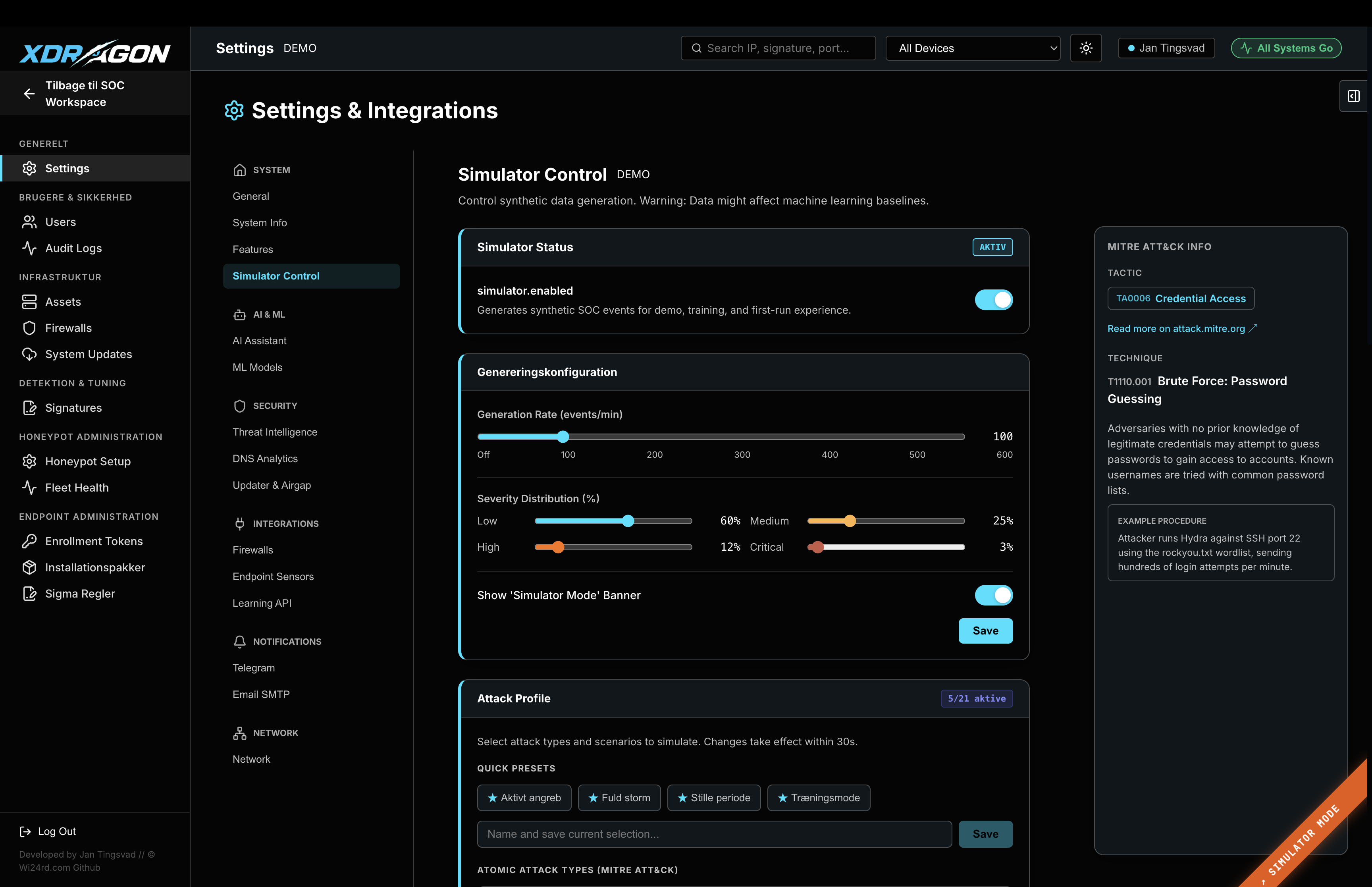
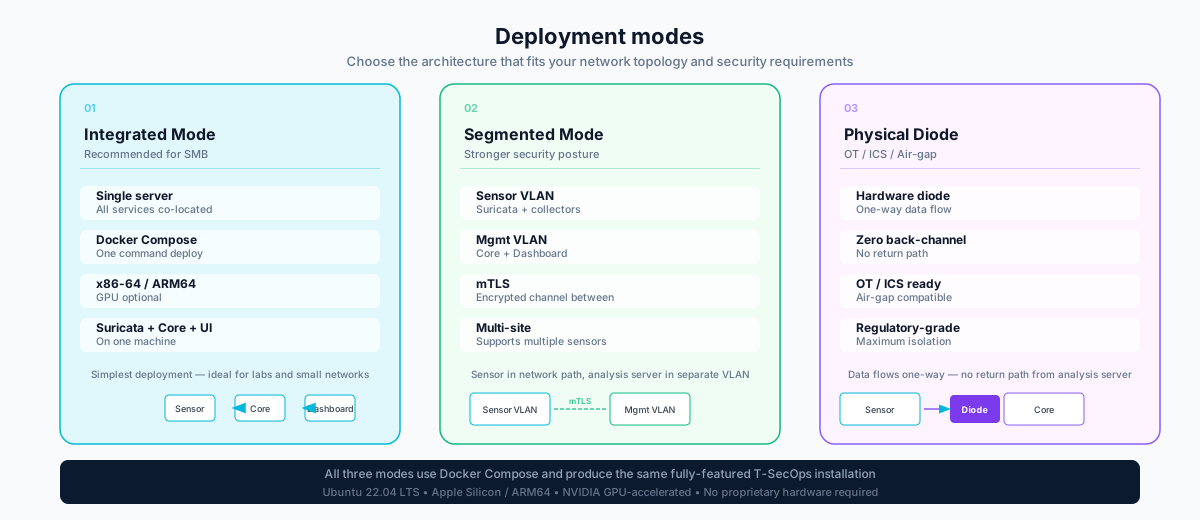
T-SecOps deploys via Docker Compose on standard Linux hardware. Supports Ubuntu 22.04 LTS, Apple Silicon (ARM64), and NVIDIA GPU-accelerated servers. No proprietary appliances. No cloud sign-up.
Select the deployment target below. All variants use Docker Compose and produce the same fully-featured T-SecOps installation — differences are in hardware prerequisites and AI performance.
# Install Docker Engine curl -fsSL https://get.docker.com | sudo sh sudo usermod -aG docker $USER # Verify docker --version && docker compose version
git clone https://github.com/wi24rd-com/xdragon.git t-secops cd t-secops
cp .env.example .env # Edit .env — set SENSOR_INTERFACE, ADMIN_PASSWORD, # and threat feed API keys (optional but recommended) nano .env
docker compose up -d
# Watch startup progress
docker compose logs -f --tail=50
# After Docker Desktop install, verify ARM64 support docker info | grep Architecture # Should show: Architecture: aarch64
brew install git
# Verify
git --version
git clone https://github.com/wi24rd-com/xdragon.git t-secops
cd t-secops
cp .env.example .env
# Set PLATFORM=arm64 in .env
echo "PLATFORM=arm64" >> .env
docker compose --profile arm64 up -d docker compose logs -f ollama
# Install NVIDIA Container Toolkit curl -fsSL https://nvidia.github.io/libnvidia-container/gpgkey | sudo gpg --dearmor -o /usr/share/keyrings/nvidia-container-toolkit-keyring.gpg # Configure and install sudo apt-get install -y nvidia-container-toolkit sudo nvidia-ctk runtime configure --runtime=docker sudo systemctl restart docker # Verify GPU access in Docker docker run --rm --gpus all nvidia/cuda:12.3.0-base-ubuntu22.04 nvidia-smi
git clone https://github.com/wi24rd-com/xdragon.git t-secops
cd t-secops
cp .env.example .env
# Set PLATFORM=gpu and CUDA_VISIBLE_DEVICES=0 in .env
docker compose --profile gpu up -d
# Verify GPU usage
watch -n2 nvidia-smi
T-SecOps is assembled from battle-tested technologies. Every component can be inspected, extended, and integrated with your existing toolchain.
Common operations for managing your T-SecOps deployment.
# Start all services docker compose up -d # Stop all services docker compose down # Restart a specific service docker compose restart backend # View all container status docker compose ps # Follow logs (all services) docker compose logs -f
# Pull latest images docker compose pull # Update and restart docker compose up -d --pull always # Database backup docker exec tsecops-db pg_dump -U tsecops tsecops > backup.sql # Reload Suricata rules docker exec tsecops-suricata suricatasc -c reload-rules # Rebuild AI models (after .env change) docker compose restart ollama
# List loaded models docker exec tsecops-ollama ollama list # Pull a new base model docker exec tsecops-ollama ollama pull qwen2.5:7b # Reload all T-SecOps modelfiles docker exec tsecops-ollama /app/load-models.sh # Test model response docker exec tsecops-ollama ollama run t-secops-analyst "Explain this alert: Port scan from 185.220.101.1"
# Check Suricata status docker exec tsecops-suricata suricatasc -c uptime # View active network interface docker exec tsecops-suricata suricatasc -c iface-list # Generate endpoint agent token curl -X POST https://localhost:3000/api/agents/token \ -H "Authorization: Bearer $ADMIN_TOKEN" # View connected endpoints curl https://localhost:3000/api/agents \ -H "Authorization: Bearer $ADMIN_TOKEN"
Get in touch with the team — we can help you choose the right architecture and walk through your specific network environment requirements.